
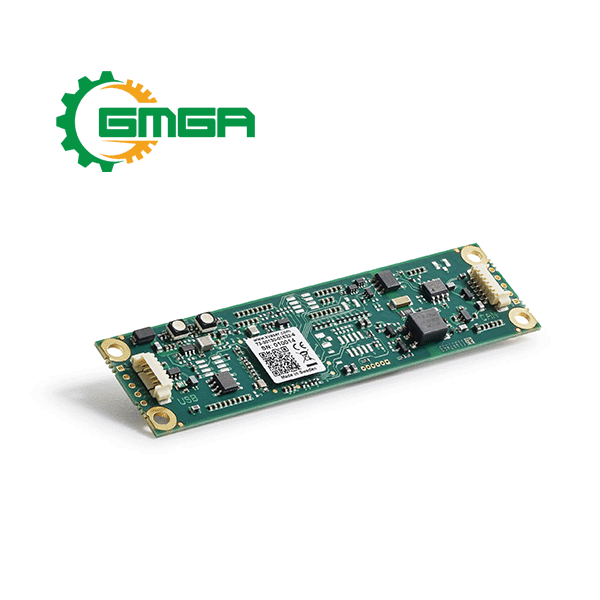


Circuit board USB-to-CAN bus interface single-channel high speed Kvaser Leaf v3 CB
Price: Contact
| Model | EAN: 73-30130-01532-6 |
| Manufacturer | KVASER |
| Power supply | N/A |
| Weight | 5 g |
| Size | 27 x 100 x 5 mm |
| Condition | Stocking |
| Warranty | 24 months |
Circuit board USB-to-CAN bus interface single-channel high speed Kvaser Leaf v3 CB - Your Gateway to Efficient Connectivity
I. Specifications of Circuit board USB-to-CAN single-channel high speed Kvaser Leaf v3 CB
The Kvaser Leaf v3 CB is the circuit board version of Kvaser’s popular single-channel, high speed, USB-to-CAN bus interface, the Kvaser Leaf v3. This board boasts a timestamp precision of 50 µs and support for a wide CAN bit rate range from 20 kbit/s to 1 Mbit/s. Message rate has been boosted significantly to 20,000 msg/s.
Circuit board USB-to-CAN bus interface single-channel high speed Kvaser Leaf v3 CB remains the industry standard for reliable, low-cost CAN interfaces, while introducing a key feature beyond CAN FD support: silent mode, which allows listening to a CAN bus without transmitting.
For customers looking to replace the Kvaser Leaf Light HS v2 CB (EAN: 73-30130-00733-8), the Kvaser Leaf v3 CB retains the same dimensions, mounting hole locations, and LED positions, while new soldering options support alternative connectors or self-build PC applica-tions.
MAJOR FEATURES
- USB CAN interface.
- Powered through the USB connector.
- Additional through holes pads for reliable soldering of connection cables.
- Supports CAN FD, up to 8 Mbit/s.
- Quick and easy plug-and-play installation.
- Supports both 11-bit (CAN 2.0A) and 29-bit (CAN 2.0B active) identifiers.
- Supports silent mode for analasis tools –listen to the bus without interfering.
- 20000 msg/s, each timestamped with a resolution of 50 µs.
- Fully compatible with applications written for other Kvaser CAN hardware with Kvaser CANlib.
- Support for SocketCAN.
- Support simultaneous usage of multiple Kvaser interfaces.
- Compatible with J1939, CANopen, NMEA 2000® and DeviceNet. Higher layer protocol translation handled by the user’s application. For software support please see our Technical Associates products and our Software Download page (kvaser.com).
II. Additional software and documentation for Circuit board USB-to-CAN bus interface single-channel high speed Kvaser Leaf v3 CB
- The Kvaser CANlib SDK includes everything you need in order to develop software applications interacting with Kvaser CAN and LIN hardware. The SDK contains full documentation and many sample programs, written in C, C++, C#, Delphi, Python and Visual Basic.
- Kvaser CAN and LIN hardware is built around the same common software API. Applications developed using one device type will run without modification on other device types.
- The latest versions of documentation, software and drivers can be downloaded for free at kvaser.com/download.
III. Hardware for Kvaser Leaf v3 CB
HARDWARE INSTALLATION
- For the Kvaser Leaf v3 CB to communicate with the host computer, a compatible version of the Kvaser driver and firmware must be installed.
- The driver is installed by running the file exe. For instructions on how to update the firmware, see Section 3.7, Updating the firmware, on Page 10. The latest version of the driver and firmware can be downloaded from www.kvaser.com/download.
- The firmware is downloaded and installed directly on the Kvaser Leaf v3 CB and the driver is installed on the host computer. After the driver has been installed on the host computer, the firmware may then be downloaded and installed on the Kvaser Leaf v3 CB.
USB CONNECTION
- The Kvaser Leaf v3 CB has a 6-way connector for connecting USB which has the pinout described in Table.
- The connector is mated with a Molex 51021 PicoBladeTM (e.g. housing 51021-0600 and terminal 50079-8000). There are also holes for soldering wires directly or use a 5-pin 2.54mm pitch straight pin header or board stacker like e.g. Würth 61300511121 or 61303211221.

|
Pin configuration of the USB connector |
|
|
Pin Number |
Function |
|
1 |
Shield |
|
2 |
GND |
|
3 |
D+ |
|
4 |
D- |
|
5 |
5V |
|
6 |
Not connected |
|
Letters and signs next to holes for soldering |
|
|
Letter or sign next to hole |
Function |
|
S |
Shield |
|
G |
GND |
|
+ |
D+ |
|
- |
D- |
|
5 |
5V |
CAN CONNECTION
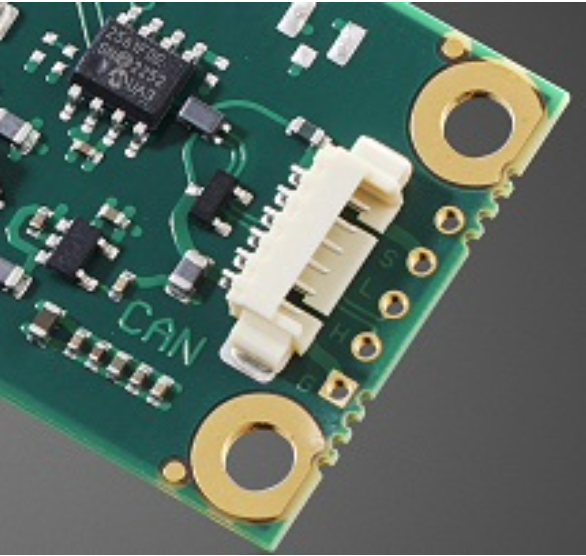
- The Kvaser Leaf v3 CB has one CAN channel via a 6-way connector which has the pinout described in Table.
- The connector is mated with a Molex 51021 PicoBladeTM (e.g. housing 51021-0600 and terminal 50079-8000). There are also holes for soldering wires directly or use a 4-pin 2.54mm pitch straight pin header or board stacker like e.g. Würth 61300411121 or 61303211221.
|
Pin configuration of the CAN connector |
|
|
Pin Number |
Function |
|
1 |
GND |
|
2 |
Not connected |
|
3 |
CAN_H |
|
4 |
CAN_L |
|
5 |
Not connected |
|
6 |
Shield |
|
Letters and signs next to holes for soldering |
|
|
Letter or sign next to hole |
Function |
|
G |
GND |
|
H |
CAN_H |
|
L |
CAN_L |
|
S |
Shield |
|
'' |
Not connected |
CAN BUS TERMINATION
- Every CAN bus must be terminated with a 120 Ohm resistor at each end of the bus. The Kvaser Leaf v3 CB does not contain any CAN bus termination, because its inclusion could cause severe disturbance in a system which is already correctly terminated.
- For laboratory or testing use, the exact value of the termination resistors is not always critical. Sometimes a single terminator is sufficient. For production, proper termination is essential. If you see error frames on the bus, you should check the termination.
POWER SUPPLY
- The Circuit board USB-to-CAN bus interface single-channel high speed Kvaser Leaf v3 CB is powered via the USB connector.
LAYUOT
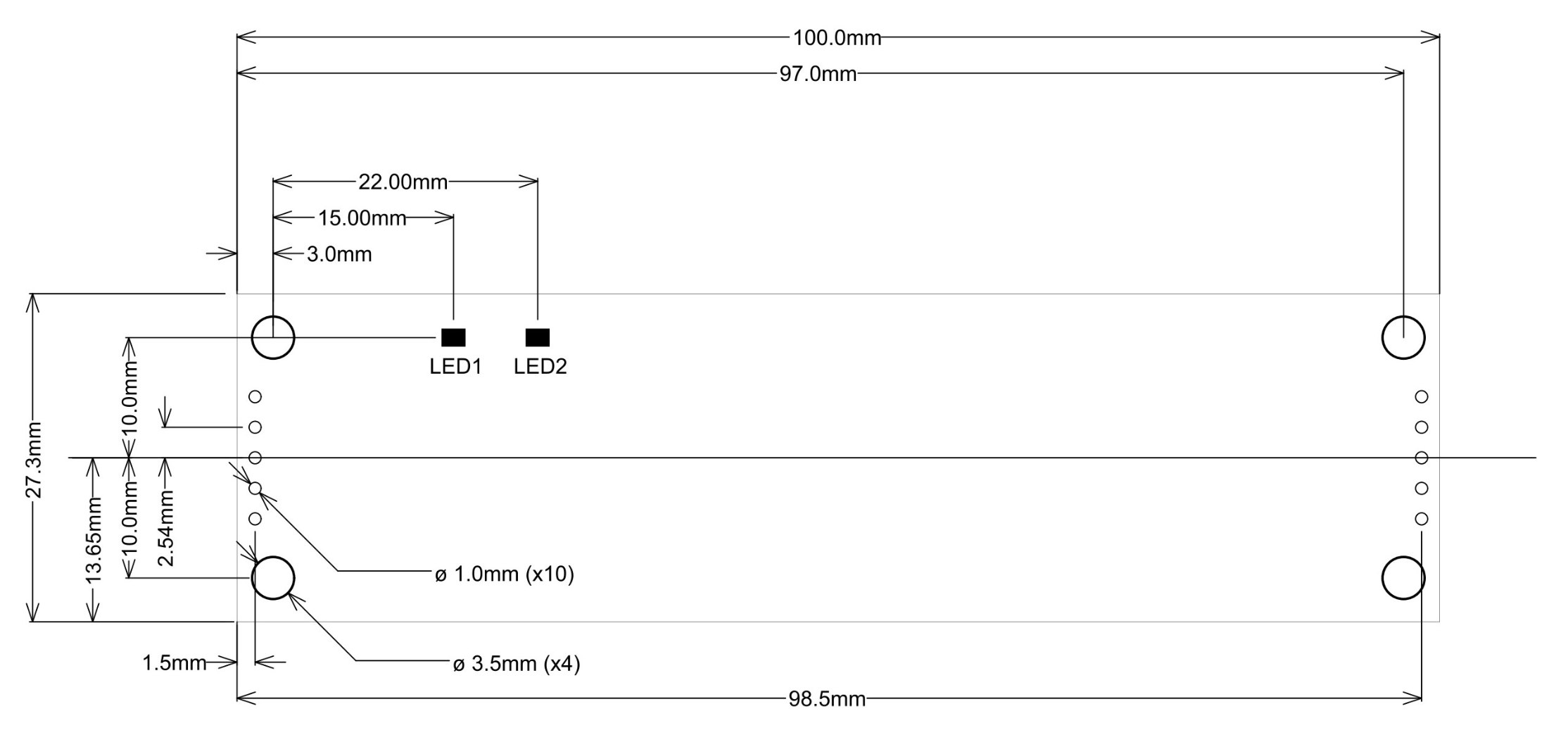
- The Kvaser Leaf v3 CB has four mounting holes and two LEDs, one green for power to the left (LED1) and one yellow for CAN to the right (LED2), as shown in Figure. The LEDs’ functions are shown in Table.
|
LEDs on the Kvaser Leaf v3 CB |
||
|
LED |
Function |
Description |
|
PWR (Green) |
Power |
Steady light when unit is powered and working. |
|
USB configuration |
Blinking once every three seconds when something wrong with the USB connection. |
|
|
Firmware |
2 Hz flash if something is wrong with the firmware or configuration. |
|
|
CAN (Yellow) |
CAN RxTx |
Status for CAN channel. |
UPDATING THE FIRMWARE
- For the Kvaser Leaf v3 CB to communicate with the host computer, compatible versions of the Kvaser CANlib (including driver) and firmware must be installed.
- The latest versions of firmware and drivers can be downloaded for free at kvaser.com/download.
- Connect the Kvaser Leaf v3 CB to your host computer with the USB cable and start the update.exe application. A window opens showing the Firmware Update Instructions; read and follow those carefully.
- To check the current firmware version, open “Kvaser Device Guide” which can be found in the Control Panel. Select “Kvaser Leaf v3 CB” in the tree view to the left, and click on the channel. The firmware revision information now appears in the right half of the window.
Technical data of Circuit board USB-to-CAN bus interface single-channel high speed Kvaser Leaf v3 CB
|
CAN Channels |
1 |
|
CAN Transceivers |
Compliant with ISO 11898-2 |
|
Galvanic isolation |
Yes |
|
CAN Bit Rate |
20 kbit/s to 1 Mbit/s |
|
CAN FD Bit Rate |
Up to 8 Mbit/s |
|
Timestamp resolution |
50 µs |
|
Max message rate |
20 000 msg/s |
|
Error Frame Detection |
Yes |
|
Error Frame Generation |
No |
|
Silent mode |
Yes |
|
Kvaser MagiSync |
No |
|
Kvaser t programming |
No |
|
Kvaser CANtegrity |
No |
|
Host interface |
USB 2.0 |
|
Host OS |
Windows (10 or later), Linux. |
|
Power consumption |
Typical 100 mA |
|
Dimensions |
27 x 100 x 5 mm |
|
Weight |
5 g |
|
Operating temperature |
−20 ◦C to +70 ◦C |
|
Storage temperature |
−40 ◦C to +85 ◦C |
|
Relative humidity |
0 % to 85 % (non-condensing.) |
No comments yet
SIGN UP FOR A CONSULTATION
Please fill in the form below and send your comments and questions to GMGA, we will respond to your email as soon as possible.

COMMIT
100% new product

COMMIT
100% refund if the product is of bad quality and not as promised


DELIVERY
Nationwide
OTHER SAME PRODUCTS
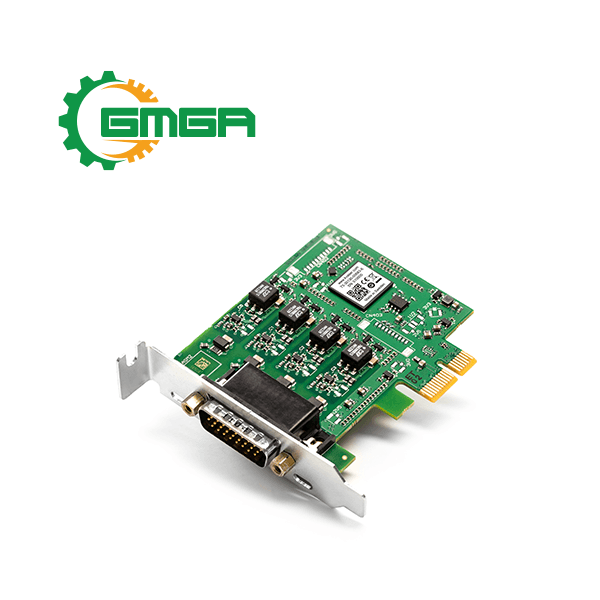
PCI Express interface CAN/CAN FD four channel Kvaser PCIEcan 4xHS
Model: EAN: 73-30130-00683-6
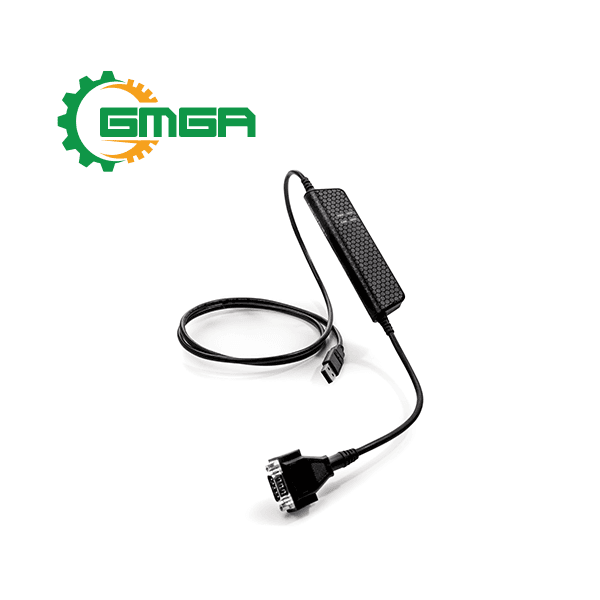
USB-to-CAN or CAN FD interface Kvaser Leaf Pro HS v2 professional single channel
Model: EAN: 73-30130-00843-4
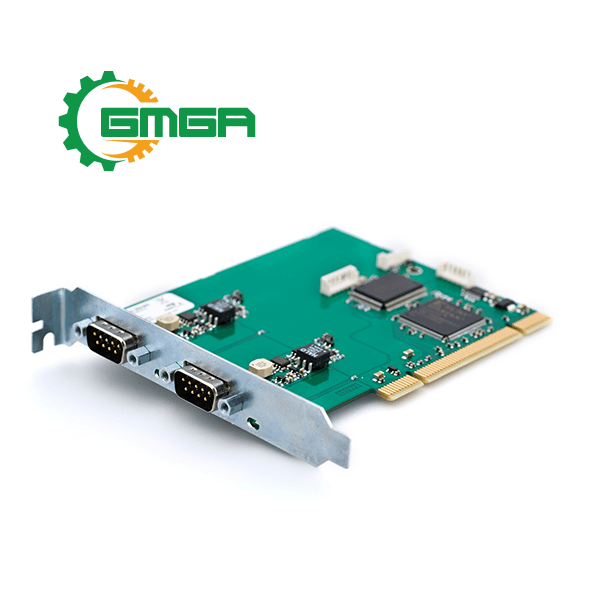
High speed CAN interface two channel Kvaser PCIcanx II HS/HS
Model: EAN: 73-30130-00343-9
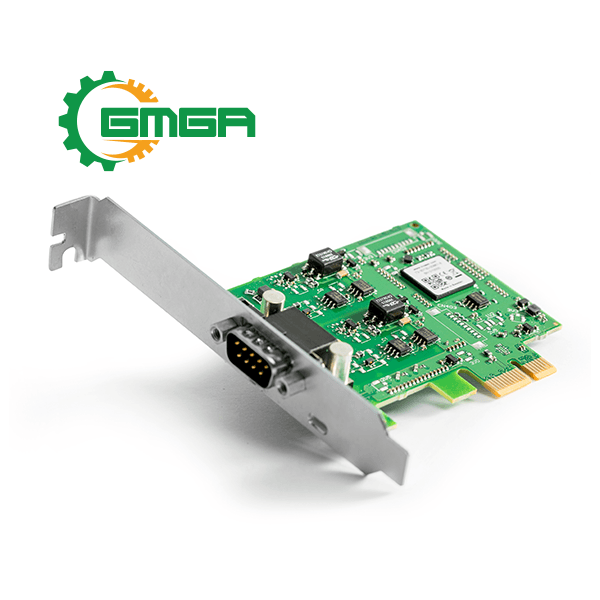
PCI Express CAN/CAN FD interface dual-channel Kvaser PCIEcan 2xHS v2
Model: EAN: 73-30130-00861-8
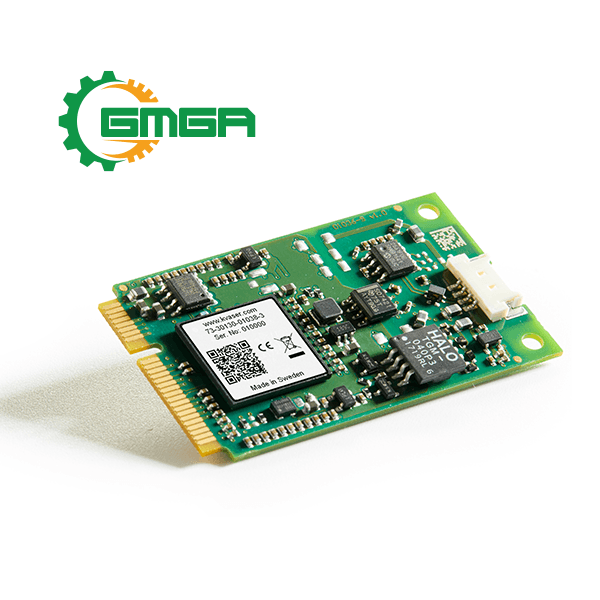
Single channel Mini PCI Express interface CAN/CAN FD Kvaser Mini PCI Express HS v2
Model: EAN: 73-30130-01038-3
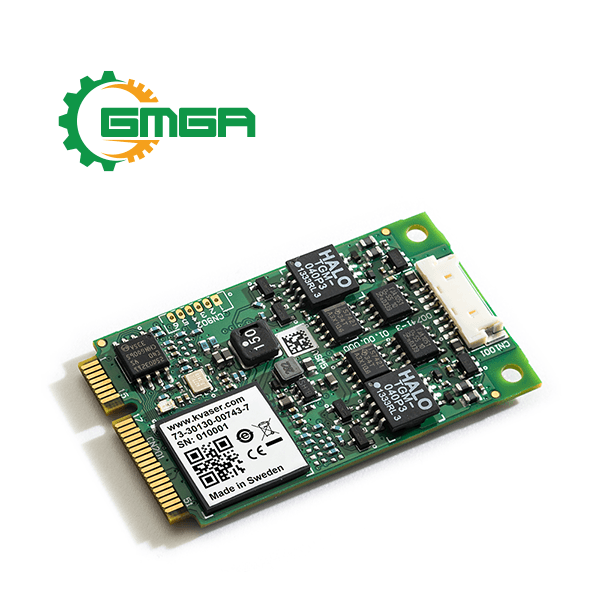
Two channel Mini PCI Express interface CAN/CAN FD Kvaser Mini PCI Express 2xHS
Model: EAN: 73-30130-00743-7
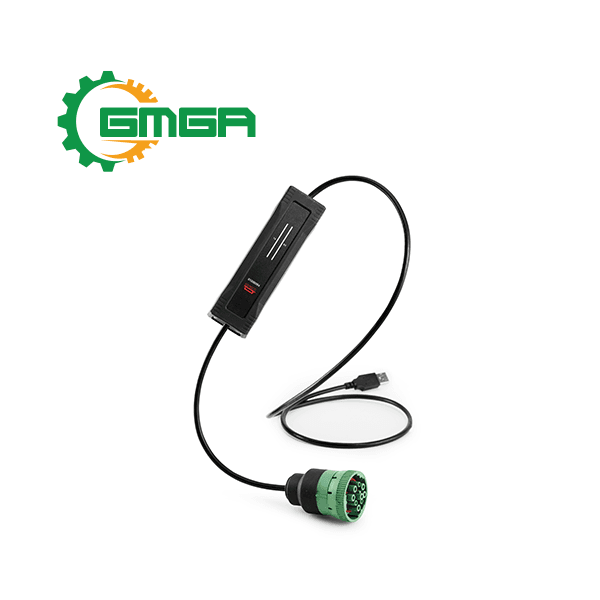
CAN/CAN FD to USB interface robust single-channel Kvaser U100-X1 with 9-pin J1939-13 Type II CAN connector
Model: EAN: 73-30130-01266-0
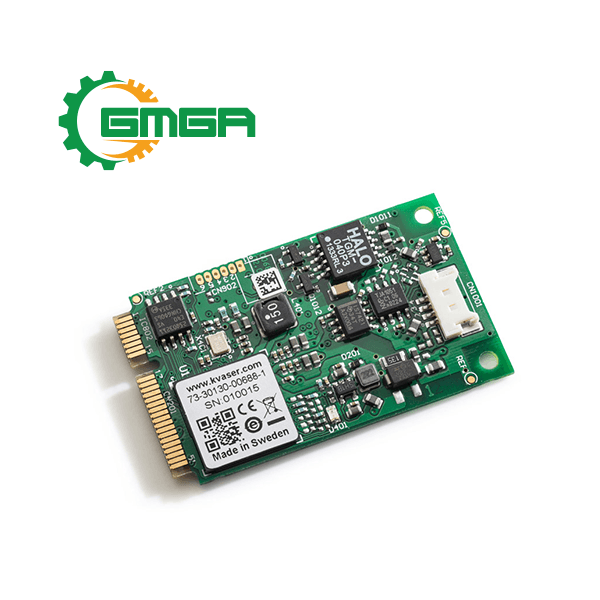
Mini PCI Express CAN interface single-channel Kvaser Mini PCI Express HS
Model: EAN: 73-30130-00688-1
Single channel USB-to-CAN PC interface Kvaser Leaf SemiPro LS
Model: EAN: 73-30130-00260-9
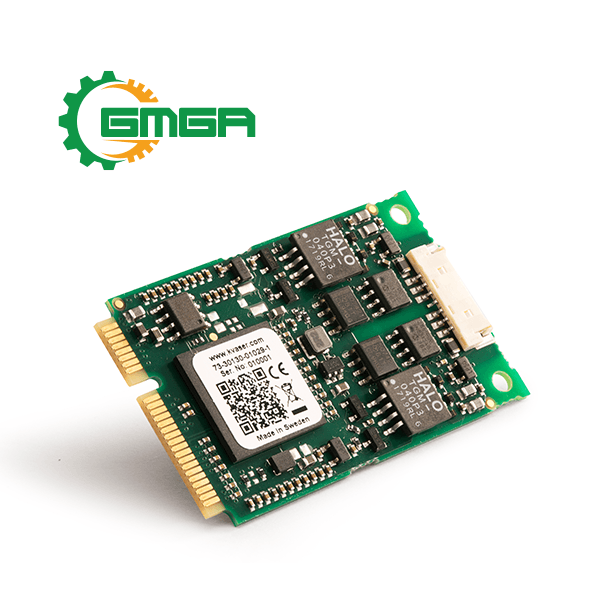
Two channel Mini PCI Express interface CAN/CAN FD Kvaser Mini PCI Express 2xHS v2
Model: EAN: 73-30130-01029-1
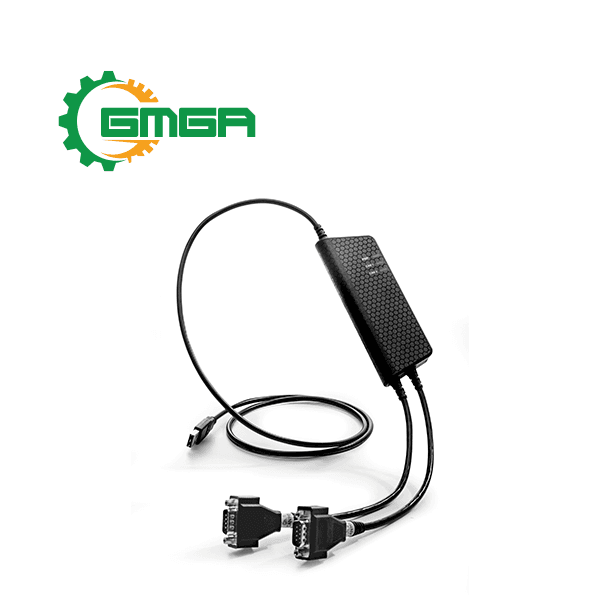
Dual channel USB-to-CAN/CAN FD interface professional Kvaser USBcan Pro 2xHS v2 with t-Program
Model: EAN: 73-30130-00752-9
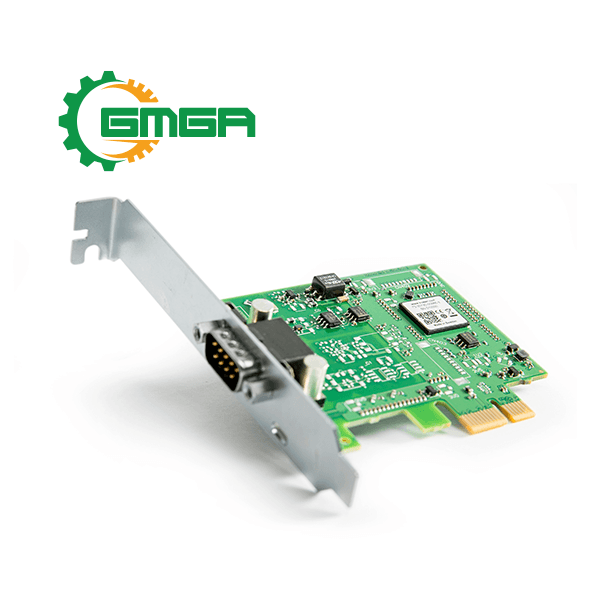
PCI Express interface CAN/CAN FD single channel Kvaser PCIEcan HS v2
Model: EAN: 73-30130-00866-3
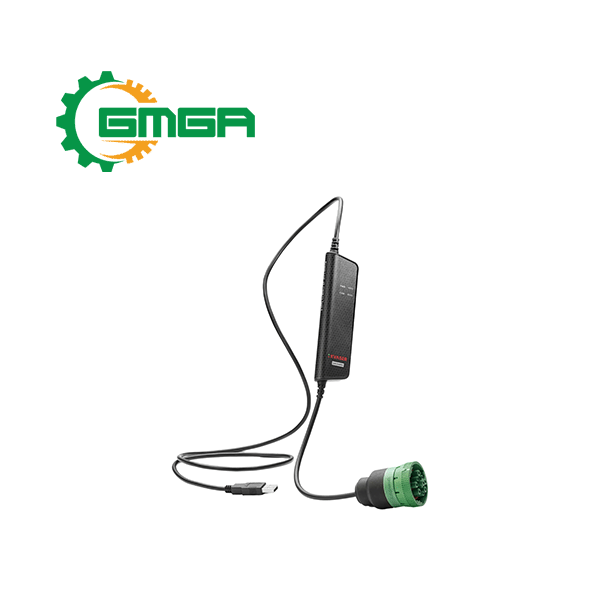
CAN/CAN FD Bus interface Kvaser Leaf v3 J1939-13 Type II
Model: EAN: 73-30130-01426-8
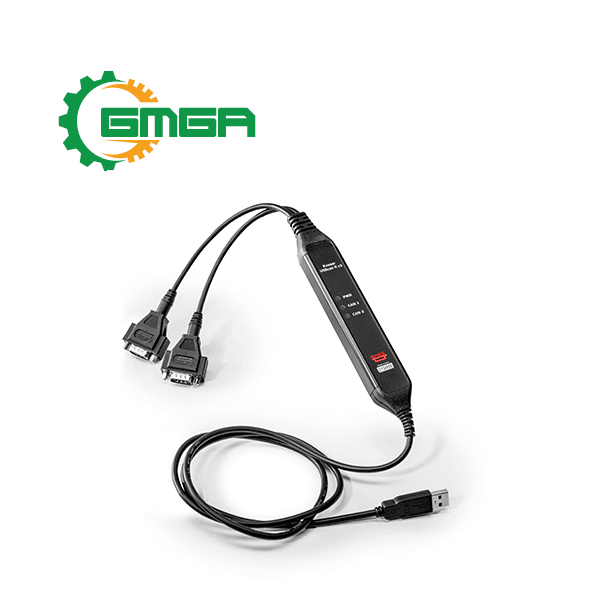
Two channel USB-to-CAN interface Kvaser USBcan R v2
Model: EAN: 73-30130-00920-2
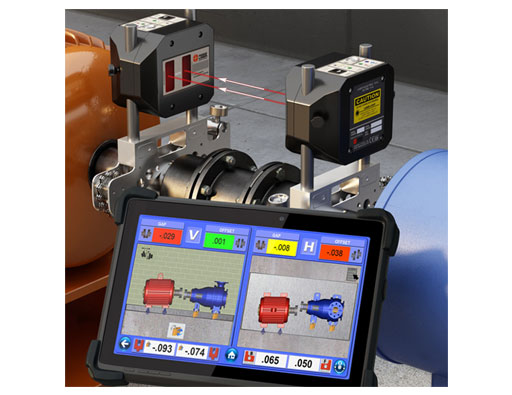
Hamar Laser X-880 / X-990 5-Axis Laser alignment tool
Model: X-880 / X-990
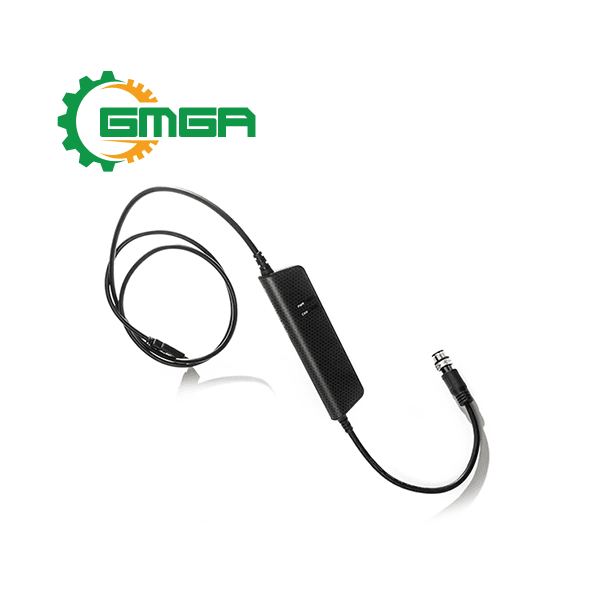
Single channel USB-to-CAN PC interface Kvaser Leaf Light HS v2 M12 with M12 connector for CAN access
Model: EAN: 73-30130-00881-6
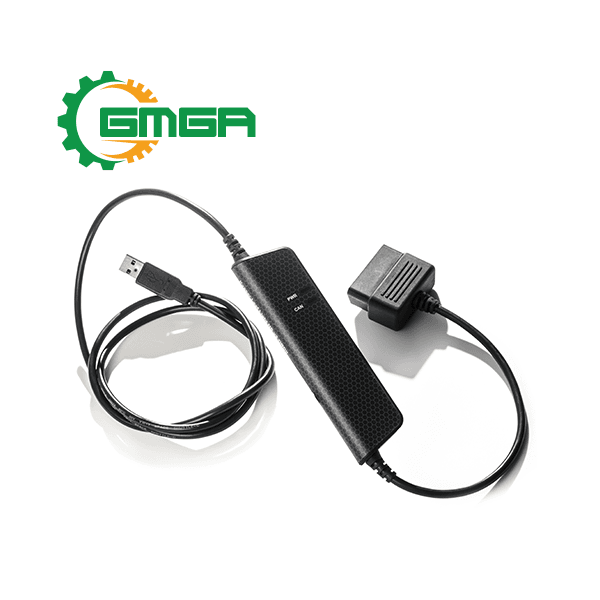
Single channel USB-to-CAN PC interface with OBDII connector Kvaser Leaf Light HS v2 OBDII
Model: EAN: 73-30130-00732-1
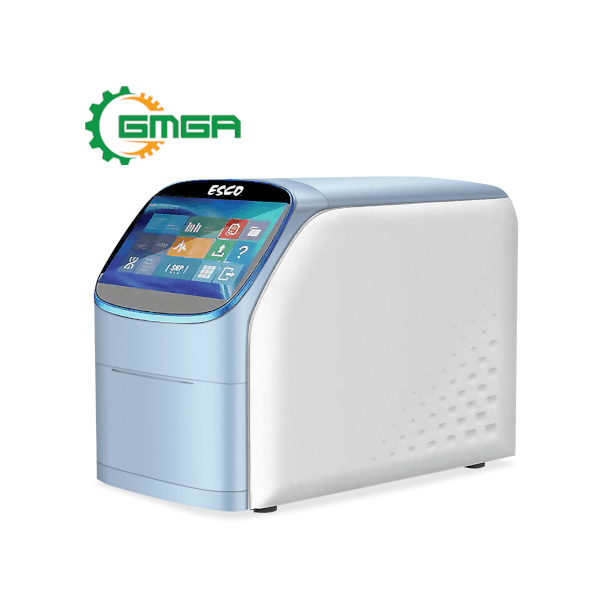
Real-time PCR thermal cyclers Esco Swift™ ProGene SWT-PG-96
Model: SWT-PG-96
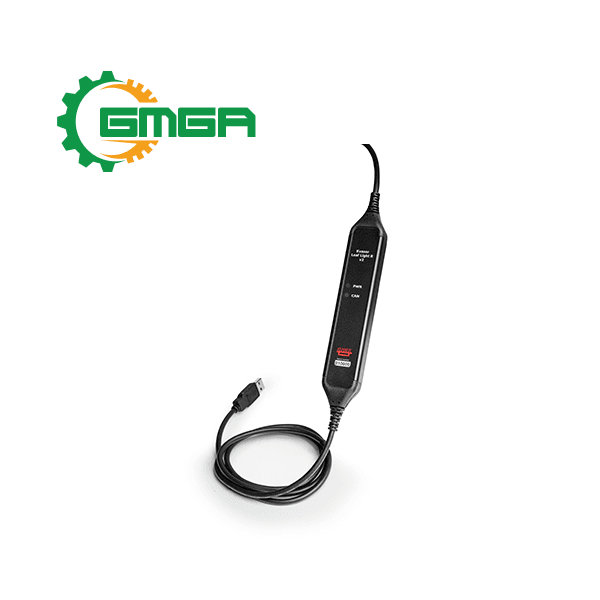
Single channel USB-to-CAN interface IP65-rated Kvaser Leaf Light R v2
Model: EAN: 73-30130-00921-9
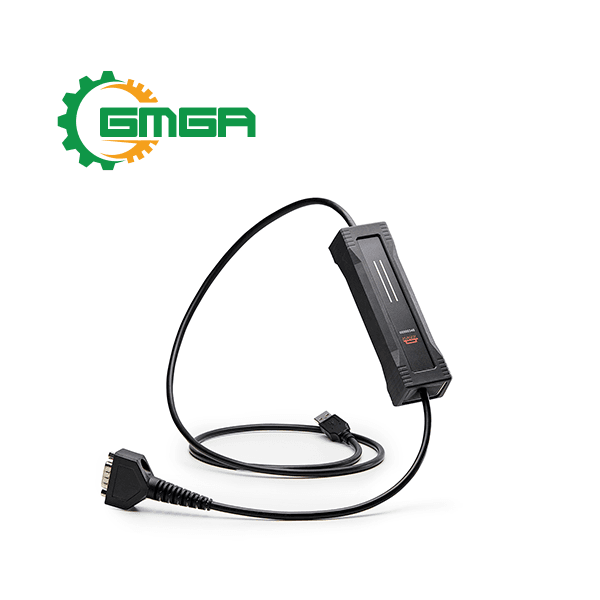
USB-to-CAN interfaces Kvaser U100P
Model: EAN: 73-30130-01174-8

Review Circuit board USB-to-CAN bus interface single-channel high speed Kvaser Leaf v3 CB
There are no reviews yet.